Livestreaming Schedule for Musicians: 3 Streams a Week
A proven livestreaming schedule for musicians that actually grows a live audience. Get the 3-stream weekly blueprint plus a fill-in calendar template.
The room doesn't fill because you showed up. It fills because you keep showing up.
Most artists go live when they feel like it. One week they stream four times, hyped off a new drop. The next week? Ghost. Then they wonder why the room's dead and why nobody remembers them.
Here's the truth I've watched play out across thousands of live reviews since 2021: the artists who grow a real live audience aren't the most talented in the room. They're the most predictable. Not boring — predictable. People can't build a habit around chaos.
So let's fix your cadence. Three streams a week. Different job each time. Done consistently, this builds a room that shows up before you even hit the button. I'll give you the exact calendar to fill in at the end. Let's earn it first.
Why Three, Not Seven
Everybody thinks more is better. More is how you burn out and start hating the thing you love.
Three streams a week hits the sweet spot. It's frequent enough that people learn your rhythm — "oh, it's Wednesday, they're on." But it's spaced enough that you can actually prepare, recover, and keep the quality up. Seven-days-a-week creators either have a team or they're running on fumes. You're neither, and that's fine.
The algorithm — every platform, TikTok Live, Twitch, YouTube, Instagram — rewards session length and repeat viewers over raw frequency. A predictable schedule trains repeat viewers. Repeat viewers tell the platform "push this person." That's the whole game.
And here's the part nobody says out loud: consistency beats going viral for building income. A viral moment brings strangers. A schedule brings a room. The room is what pays rent.
The Three Jobs (Each Stream Does One Thing)
The mistake is treating every stream the same. Just you, staring at a camera, hoping people talk. Dead air kills momentum faster than anything.
Give each of your three streams a specific job. When a stream has a job, you always know what to do, and viewers always know what they're getting.
Stream 1 — The Work Session (the anchor). This is you making music live. Building a beat. Writing a hook. Mixing. Cooking. If you're an AI artist, this is you running prompts live, iterating, comping vocals, arranging stems — showing the actual process. People love watching someone build something in real time. It's low-pressure for you and hypnotic for them. This is your bread and butter, the stream you never skip.
Stream 2 — The Connection Stream (the room-builder). This one's about the people, not the product. Listening parties for viewer submissions. Q&A. Reacting to your community's music. Hot takes. This is where you turn viewers into regulars because you're actually talking TO them, using names, remembering people. This stream builds loyalty. Loyalty is what makes someone comment the second you go live.
Stream 3 — The Performance / Showcase (the highlight reel). This is your polished one. Perform your catalog. Debut a new track. Do a themed set. This is the stream you promote hardest and the one most likely to pull in new faces. It's also the one that produces the best clips for your short-form content the rest of the week.
Three streams. Three jobs. Anchor, room-builder, highlight. You never sit down not knowing what you're doing again.
The Weekly Cadence That Actually Works
Now spacing. Don't stack all three on back-to-back days and then vanish for four. Spread them so your audience never goes more than a couple days without you.
A clean spread looks like this:
- Early week (Mon/Tue) — Work Session. Low-key, sets the tone, catches the people who are bored on a Monday.
- Midweek (Wed/Thu) — Connection Stream. This is your peak-energy day for engagement.
- Weekend (Fri/Sat) — Performance/Showcase. More people are online and in the mood to be entertained.
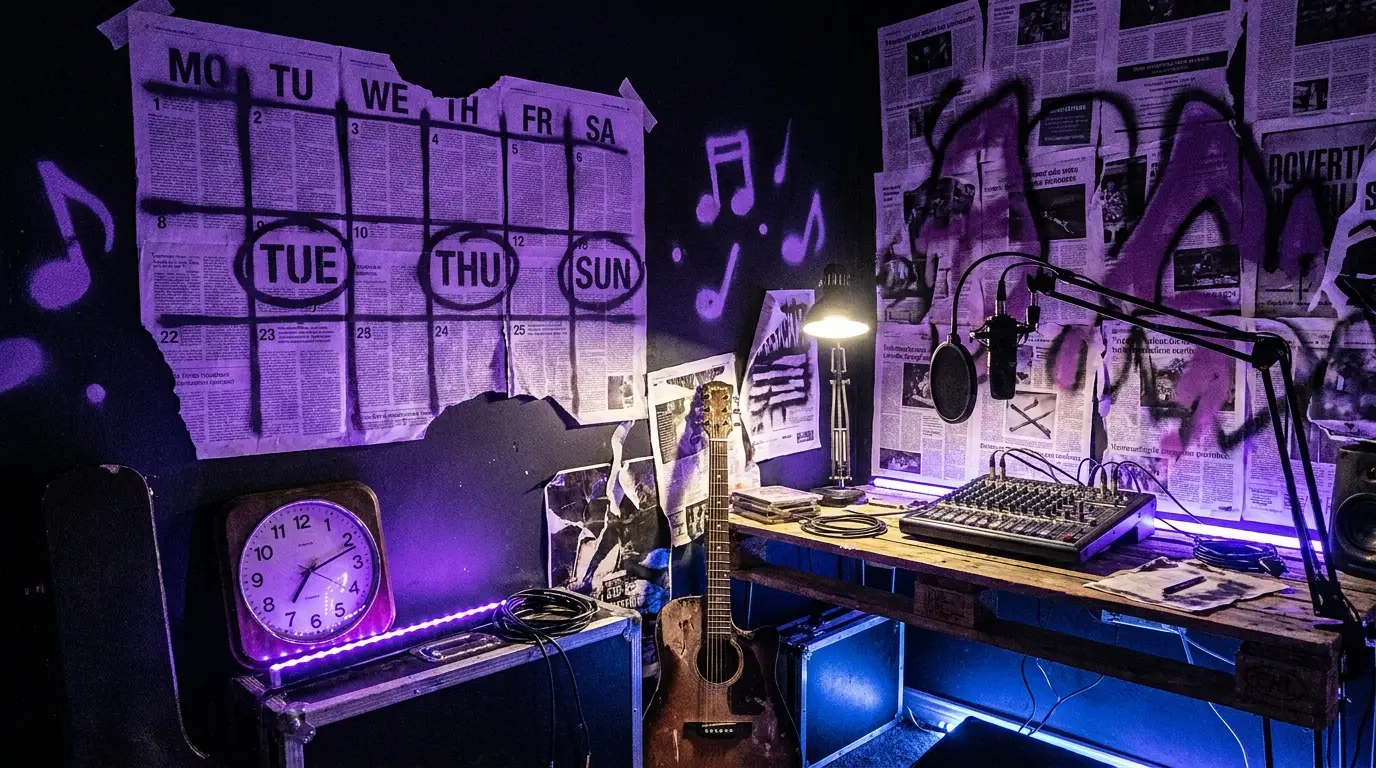
Pick your two or three fixed windows and guard them like a gig. Same days, same start time, every single week. The start time matters as much as the day. "Tuesdays at 8" is a promise people can plan around. "Sometime Tuesday-ish" is not.
Reports suggest most independent creators see their strongest engagement in the evenings, local time, but don't take that as gospel — check your own platform analytics after two weeks and move your windows to where YOUR people already are. Your data beats any general advice, including mine.
The First 30 Days: How to Not Talk to an Empty Room
Real talk — your first streams will be small. Everybody's are. The artists who quit are the ones who took a quiet room personally. Don't.
Here's how you run the first month so an empty room doesn't break you:
1. Announce the schedule publicly before you start. Post it. Pin it. Put it in your bio. "New streams: Tue/Thu/Sat at 8." You're making a promise on purpose so you have to keep it.
2. Perform to the empty room like it's full. The energy you bring at 3 viewers is the energy that makes viewer 4 stay. Nobody sticks around a person who's visibly deflated. Talk, build, play, react — like the room is packed.
3. Clip every stream. Every single one produces at least one 30–60 second vertical clip. That clip becomes your promo for the next stream. This is how three live streams turn into a week's worth of short-form content without you creating anything extra.
4. Show up even when you don't feel it. Especially then. Missing a scheduled stream in month one tells your brand-new audience the schedule is fake. Keep it real by keeping it.
5. Greet by name, always. The fastest way to turn a stranger into a regular is to say their name out loud the first time they show up. People come back to places where they feel seen.
Thirty days of this and you'll have a small core of regulars. That core is worth more than 10,000 strangers who watched one clip and forgot you.
The 3-Streams-a-Week Blueprint (Your Fill-In Calendar)
Here's the payoff. Copy this, fill in the blanks, and pin it where you'll see it. This is the whole system on one page.
MY LIVE SCHEDULE
- Stream 1 — THE WORK SESSION (Anchor)
- Day: ______ Time: ______ - What I'm building live: ______ - One thing viewers can help with: ______
- Stream 2 — THE CONNECTION STREAM (Room-Builder)
- Day: ______ Time: ______ - This week's theme/topic: ______ - Submission or Q&A prompt I'll post first: ______
- Stream 3 — THE PERFORMANCE/SHOWCASE (Highlight)
- Day: ______ Time: ______ - Set / track I'm featuring: ______ - The clip I'll pull for promo: ______
EVERY-STREAM CHECKLIST (run this each time):
- [ ] Announced 24 hrs before + 15 min before going live
- [ ] Bio/pin updated with next stream day + time
- [ ] Greeted every new name out loud
- [ ] Gave viewers ONE reason to come back next time (teased next stream)
- [ ] Pulled at least one clip for short-form
- [ ] Logged my viewer count + best moment (so I can spot patterns)
THE ONE RULE: Same days. Same times. Every week. For at least 90 days before you judge it.
That's it. Print it, fill it, work it. The artists who treat this like a system instead of a mood are the ones with a room in six months.
Common Ways People Blow It
A few traps I see constantly, so you can dodge them:
- Changing the schedule every week. You just erased the habit you were trying to build. Lock it.
- Only going live to promote a drop. Now you've trained people that your streams are commercials. Give value 90% of the time so the 10% ask lands.
- Judging it after two weeks. Two weeks is nothing. Momentum on a schedule compounds slow, then all at once.
- Ignoring the chat to focus on the music. The chat IS the music here. Interaction is the product on a livestream.
- Not repurposing. If you're not clipping every stream, you're leaving 80% of the value on the table.
Run the blueprint. Guard the windows. Talk to your people. That's a live audience — built on purpose, not by accident.
The 3-Stream Content Bank
90 specific stream plans slotted into Anchor, Room-Builder, and Highlight — so you never sit down not knowing what to do.
Ready to run this with help?
FAQ
How long should each livestream be?
Aim for at least 45 minutes to an hour so the platform registers real session time and latecomers can still catch you. Your Work Session can run longer since it's low-pressure. Don't force length — end while the energy's still up, not after it dies.
What if nobody shows up to my first streams?
Expected and normal. Perform to the empty room like it's full — that energy is exactly what makes the next person stay. Keep the schedule for a full 90 days before you judge results. Small consistent rooms compound; one-off viral clips don't.
Which platform is best for a musician's livestream schedule?
Start where your audience already lives so you're not building from zero. The cadence in this blueprint works identically on TikTok Live, Twitch, YouTube, or Instagram. Master one, then simulcast later if you want the reach.
Can AI artists use this same schedule?
Absolutely — it might work even better for you. Your Work Session becomes a live look at your prompting, iterating, comping, and arranging process, which people are genuinely curious about. Showing the build in real time is compelling content and it separates you from artists who only post finished tracks.
What's the best time of day to go live?
Reports suggest evenings local time tend to perform well, but that's a starting guess, not a rule. Run your fixed windows for two weeks, then check your own analytics and move your times to where your specific audience is already active.
Independent artist? Get your own feature.
Get Featured →
Deezer Picks Up 300K Direct Subs While B2B Game Stumbles
The French streamer is growing where it counts most — direct customers — but losing ground in the partnership lane.
Peermusic Expands Down Under With 120 Publishing Acquisition
Major publishing move signals the catalog consolidation game is alive and well.

How a Nashville Publishing Outfit Racked Up 100+ #1 Hits
Chris Farren built Combustion Music into a hit factory. Here's what he learned along the way.
Join the conversation